Moving your laboratory from Excel or paper to Clarus LIS
Your test catalogue, price lists and inventory come in from CSV files built on Clarus templates. Patient records kept in Excel or CSV are moved by our team, with you.
Move your data without stopping the laboratory
Prepare your tests, prices and report identity during the trial, before the day the laboratory depends on the program.
- Patient lists kept in spreadsheets
- Test prices scattered across files
- The report design is not ready
- Staff worry about losing old data
- Setup feels risky when the steps are unclear
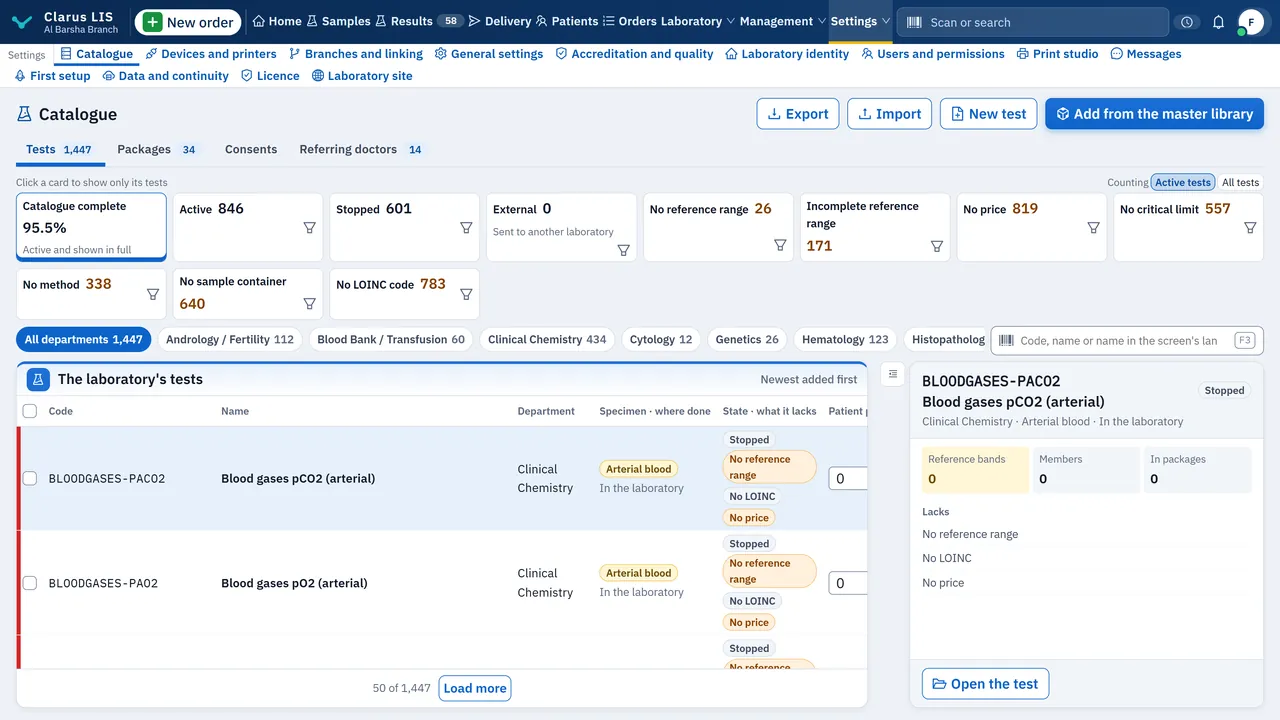
What comes in, and how
Catalogue and prices from CSV
Download the Clarus template, fill it in Excel and save it as CSV, then import your tests and price lists yourself.
Inventory from CSV
Reagents and consumables come in the same way, from the inventory template.
Patients, with our team
Patient records in Excel (.xlsx) or CSV files are moved in an assisted migration run by the Clarus team. Older .xls files must be saved as .xlsx or CSV first.
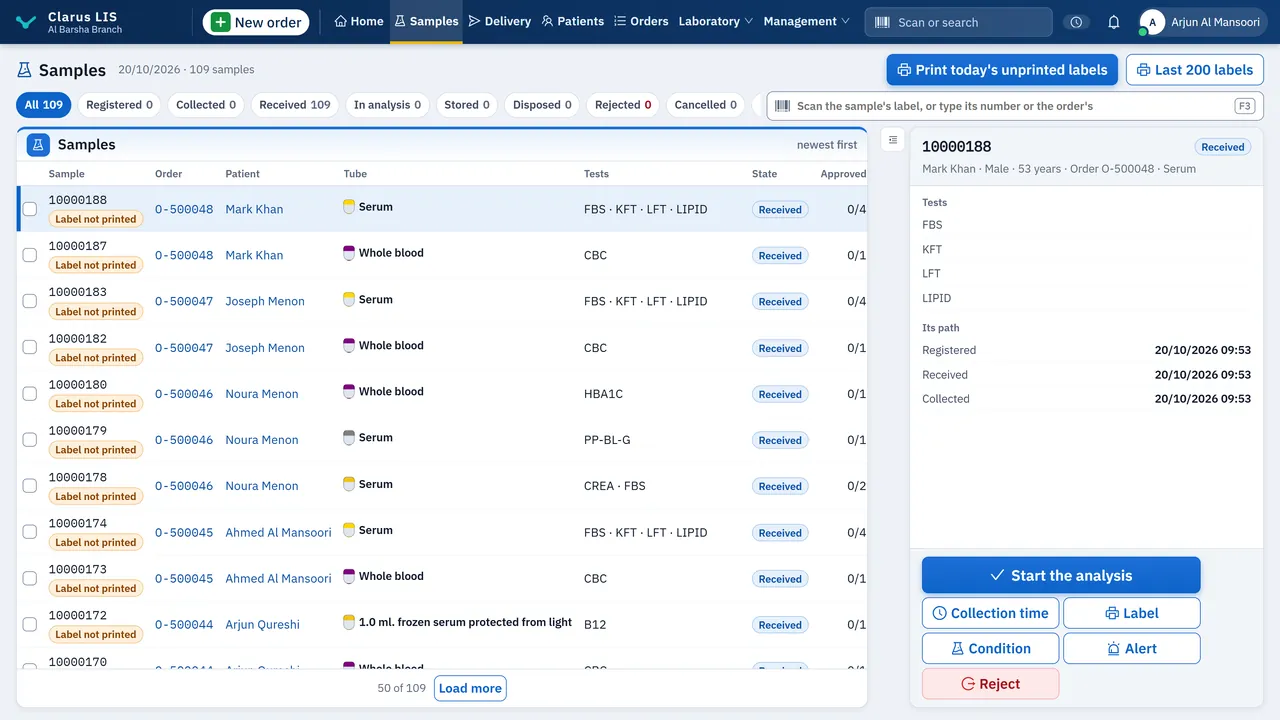
Before you import anything
- The catalogue already holds 1,300 tests, 202 of them enabled at installation; the laboratory enables whichever of the rest it wants
- Your logo, name and address reach the report header from the laboratory identity settings
- The catalogue, price lists and inventory can be exported back to CSV at any time
- Apart from the programs named on the migration page, no other laboratory program is read directly: its data comes in through these files
Coming from your previous program (Access or SQL Server)?
The migration page explains what Clarus LIS reads by itself from an older program's database, and what our team moves with you.
See the migration pagePages for particular regions
Clarus LIS is global software, available to laboratories in every country.
Egypt
For medical laboratories in Egypt: a program in Arabic and English that runs on the laboratory's own Windows computer.
Gulf
For laboratories in the Gulf: the same program in Arabic and English, whose daily work needs no internet connection.
Maghreb
For laboratories in North Africa: pages in Arabic and French.
Iraq
For laboratories in Iraq: the same program in Arabic and English, and the pages of this site in Kurdish too.
Levant
For laboratories in Jordan, Syria, Lebanon and Palestine: the same program in Arabic and English, whose daily work needs no internet connection.
France
For laboratories in France: the same program in English, with French from its free language library, whose daily work needs no internet connection.
Germany
For laboratories in Germany: the same program in English, with German from its free language library, whose daily work needs no internet connection.
Spain
For laboratories in Spain: the same program in English, with Spanish from its free language library, whose daily work needs no internet connection.
Portugal
For laboratories in Portugal: the same program in English, with Portuguese from its free language library, whose daily work needs no internet connection.
Brazil
For laboratories in Brazil: the same program in English, with Portuguese from its free language library, whose daily work needs no internet connection.
Türkiye
For laboratories in Türkiye: the same program in English, with Turkish from its free language library, whose daily work needs no internet connection.
United States
For laboratories in the United States: the same program in English, whose daily work needs no internet connection.
Related pages
Moving from Excel: FAQs
Can any Excel file be imported automatically?
No. Tests, prices and inventory come in through the Clarus CSV templates, which you fill in. Patient records from Excel or CSV go through an assisted migration with our team.
What should I prepare first?
Your test list with its prices, your report identity (logo, name, address and signatures), and a user account for each member of staff.
Try Clarus LIS on your laboratory's computer
A 14-day free trial with every feature, on Windows 10 or 11, and daily work needs no internet. When the trial ends, buy a perpetual licence for that computer and activate it on the same installation, with everything you entered.
Download the trial